
This guide is not translated into Español yet, so it is shown in English.
Common Fixes
Troubleshooting
Resolve common sign-in, setup, workspace creation, launch, analytics, and billing-readiness issues.
Last updated
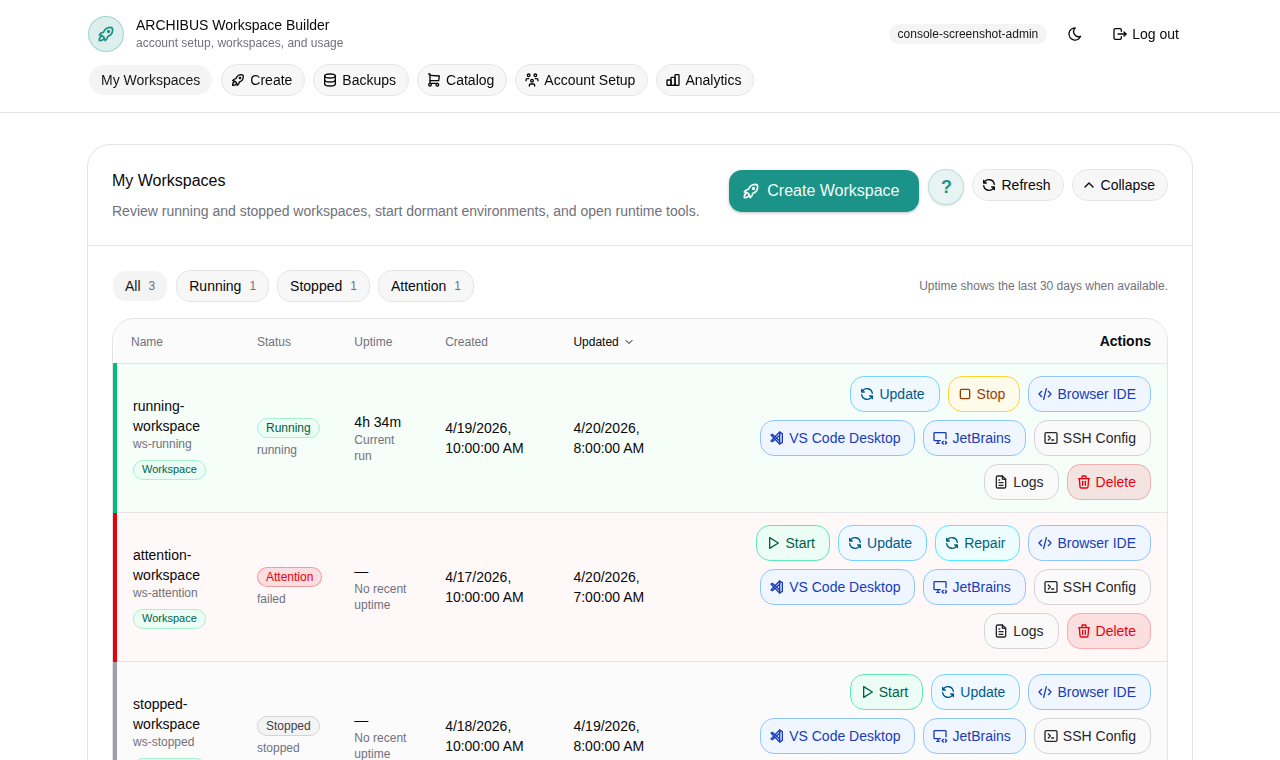
Missing Account Setup or Analytics
Sign out and sign in again. If the expected navigation is still missing, the user may not be mapped to the customer admin role.
Escalate with:
- User email.
- Company or customer account.
- Expected role.
- Visible navigation items.
- Approximate sign-in time.
Customer member cannot open Analytics
That is expected. Analytics is for customer admins and platform operators. Ask a customer admin for a usage review if you need customer-level usage.
Invite lands on access denied
- Sign out of the identity provider.
- Reopen the invite.
- Complete the invite acceptance flow.
- Open Console directly after acceptance.
If the invite was already consumed or expired, ask a customer admin or operator to reissue it. Do not send the invite link in support chat.
Account Setup > Targets shows Waiting on ISM
For shared-hosted tenants, Targets is usually a review-only page. Customer
admins confirm the operator-managed target and template-alias readiness there,
but they do not register or edit target credentials themselves.
If it still shows Waiting on ISM, send support:
- Customer or tenant name.
- Whether Targets is empty or shows a non-ready target.
- Any visible template-alias or readiness message.
Create Workspace is blocked
Read the blocker shown by Console. Common blockers are:
- Missing billing approval.
- Missing prepaid workspace-time balance.
- Missing managed-AI credit.
- Missing operator-managed workspace target or template aliases.
- Incomplete SSO setup.
- Unavailable template alias.
- Failed workspace user provisioning.
Retry only after the blocker is resolved.
Can I use my personal Claude.ai login in an Archibot workspace?
Not through Console-managed workspace setup. Archibot-managed workspaces do not store, copy, or route personal Claude.ai or Claude Code account-login files through the workspace harness, and managed Claude is not currently offered as a customer-facing option.
If you need Claude Code today, use the official Claude Code CLI in your own workspace shell and log in there directly, outside the Archibot-managed credential flow.
This keeps customer billing attribution separate from personal Claude.ai
subscription credentials and avoids asking users to upload account-login
payloads such as ~/.claude/.credentials.json, ~/.claude.json, or
CLAUDE_CODE_OAUTH_TOKEN.
If you want Archibot-style pair programming, use the managed Archibot entrypoint provided in the workspace. Personal provider logins remain separate and do not change Archibot billing attribution.
For policy context, Anthropic’s Claude Code legal and compliance guidance tells third-party integrations to use API-key authentication rather than routing user Claude.ai Free, Pro, or Max account credentials. Anthropic also documents API-key and bearer-token environment variables for provider-backed Claude Code deployments.
Workspace launch opens the wrong place
Browser IDE should open through the public workspace URL. If a launch action opens an internal service address or a browser-unreachable location, report it with the workspace name, launch action, and visible URL host. Do not include session tokens or cookies.
Create fails after provisioning starts
Do not manually delete storage. Ask a customer admin or operator to inspect build logs and decide whether to retry, cancel, stop, or delete through Console.
Manual runtime cleanup is an operator fallback, not the normal customer path.
Analytics looks empty
Check:
- The selected customer scope.
- The selected period.
- Reconciliation status.
- Whether the workspace was running during the period.
- Whether provider usage may be delayed.
If the period is correct and usage is still missing, send support the selected period and visible reconciliation status.
Done When
- You have signed out and back in after role changes.
- You read the blocker message before retrying.
- Customer members escalated setup and billing blockers to a customer admin.
- Customer admins escalated target, runtime, SSO, or billing review blockers to ISM support.