This guide is not translated into Nederlands yet, so it is shown in English.
Access
ArchibotChat access and SSO
Understand organization sign-in, Authentik product gates, and workspace separation.
Last updated
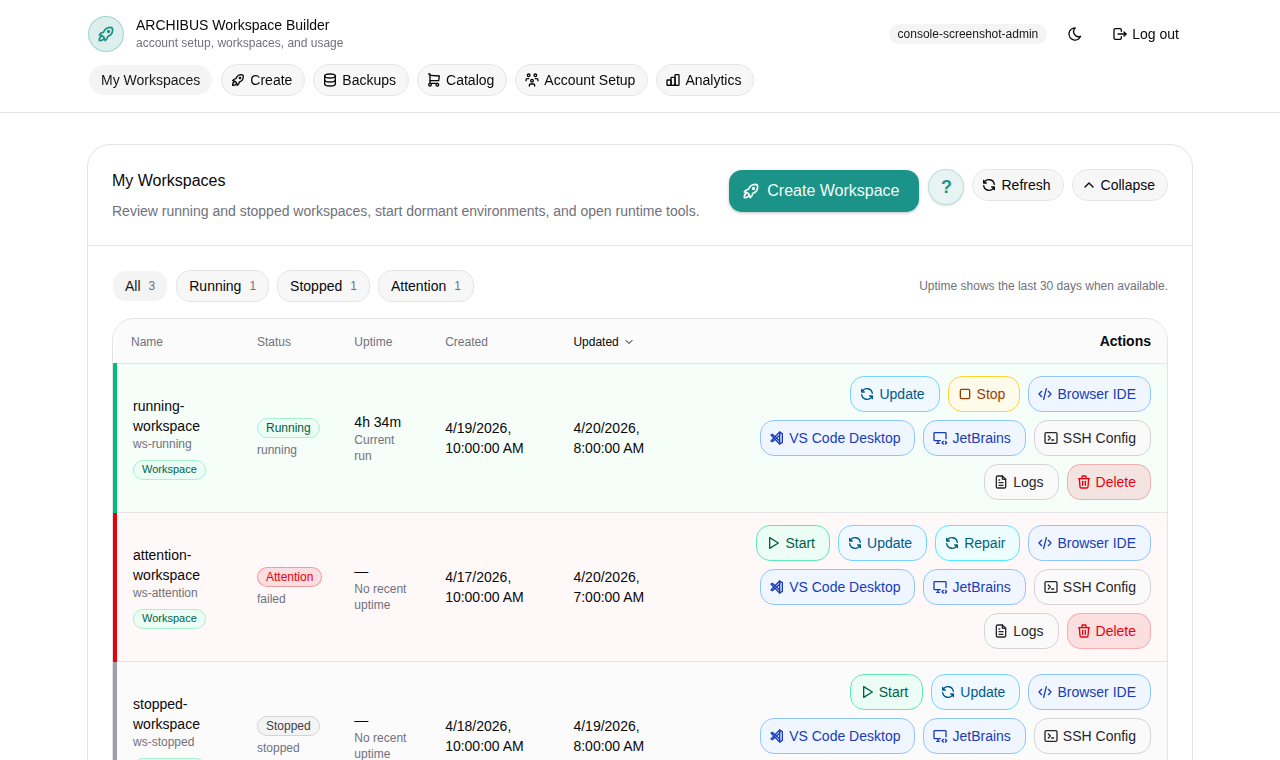
ArchibotChat uses organization sign-in and product gates to control access.
Product Access
ArchibotChat separates product access from billing plan.
| Product gate | Access |
|---|---|
archibot:chat | Browser Chat and chat artifacts |
archibot:api | API Keys screen and generated endpoint keys |
archibot:workspaces | Workspace-backed Archibot products outside ArchibotChat |
A user can have any combination:
- Chat only.
- API only.
- Workspaces only.
- Chat and API.
- Chat, API, and Workspaces.
Billing Still Applies
Product gates do not replace billing.
To use Chat or API, your account must also have an active, trial, or operator-approved billing state with available credits.
First Sign-In
- Open the ArchibotChat URL.
- Sign in through your organization.
- Confirm your email and organization are correct.
- Open Setup.
- Review enabled product gates.
If a gate is missing, contact your customer admin or ISM support.
Customer Admin Responsibilities
Customer admins typically handle:
- Confirming which users should have Chat access.
- Confirming which users should have API access.
- Requesting workspace access where needed.
- Asking ISM to review billing or SSO issues.
- Removing access when a user leaves the team.
Do not send passwords, client secrets, private keys, cookies, or raw tokens in email or tickets.
API-Only Users
API-only users may land on API Keys instead of Chat.
They can:
- Generate keys.
- Revoke keys.
- Review billing and usage.
They may not be able to use browser Chat unless archibot:chat is enabled.
Chat-Only Users
Chat-only users can use browser Chat and Artifacts.
They may not see or use API Keys unless archibot:api is enabled.
Workspace Users
Workspace users may also use Archibot Console or other workspace-backed products.
Workspace access is separate from ArchibotChat. A workspace user does not automatically have Chat or API access, and a Chat user does not automatically have workspace access.
Access Problems
When reporting access problems, include:
- The email address used to sign in.
- Which screen you expected to open.
- Which product gate appears missing.
- Any visible error message.
- Approximate time of the failed attempt.
Do not include API keys or session cookies.
Done When
- Your identity provider sign-in completes.
- Required product groups are assigned.
- Workspace access is treated separately.