


Prepaid Access
Catalog and readiness
Use Product Catalog to confirm billing details, choose prepaid workspace-time and managed AI packs, run checkout, and read orders, credit lots, and balance activity before anyone creates a workspace.
Last updated
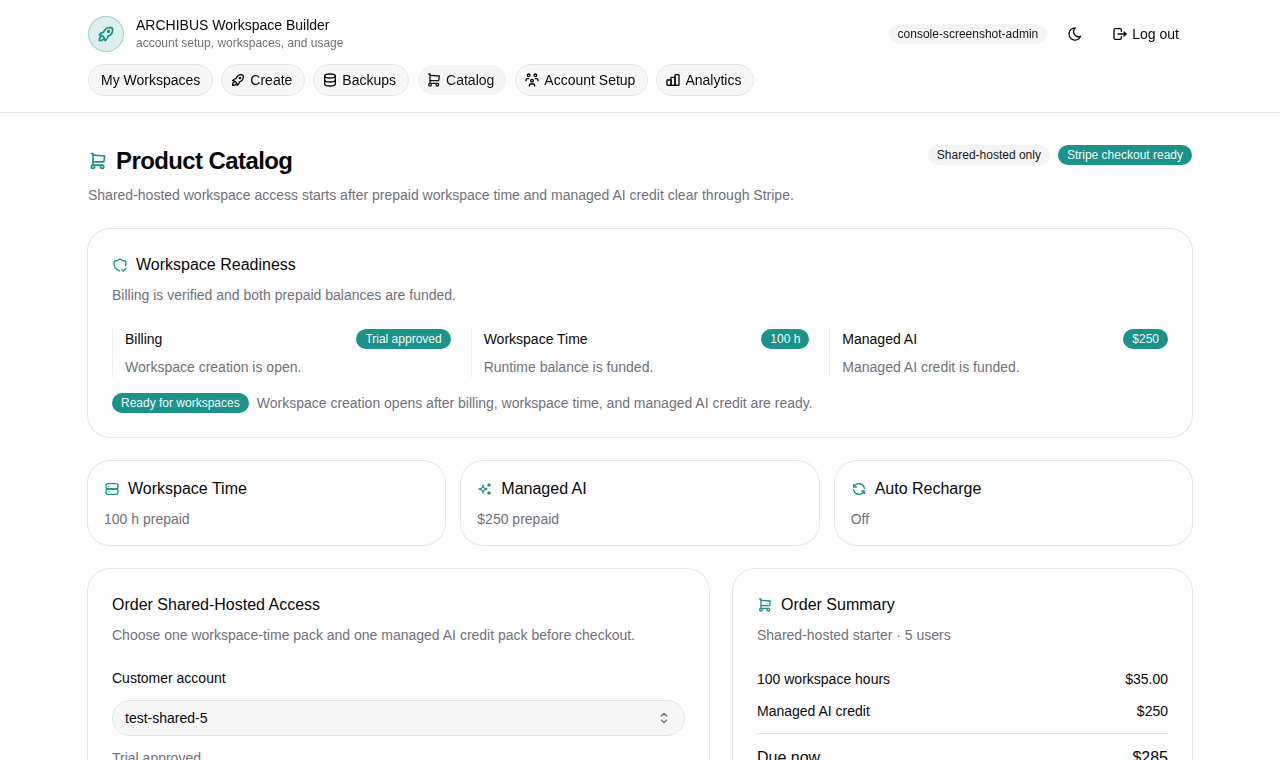
What Product Catalog is for
Product Catalog (the Catalog item in the left navigation, route /catalog) is where a customer admin confirms billing details, buys prepaid workspace time and managed AI credit, and verifies the account is ready before anyone spends time in Create.
Some accounts run on prepaid checkout. Some run on monthly invoices or trial approval. The readiness badge at the top of the page should match the commercial path agreed with ISM.
The page is split into a main workbench with three tabs, a running Order summary sidebar, and expandable panels for orders, credit lots, and balance activity.
Read the readiness badges first
Two badges sit next to the Product Catalog title:
- A readiness badge that summarizes whether the account can create workspaces.
- A payment badge that shows Payment ready or Payment setup pending.
The readiness badge reflects billing state plus prepaid balances:
| Badge | Meaning | Next action |
|---|---|---|
| Ready for workspaces | Billing and prepaid balances are ready for shared-hosted workspace creation. | Go to Create the first workspace. |
| Checkout needed | No customer account is set up yet. | Add billing details, then run checkout. |
| Checkout pending | Billing is not verified or trial-approved yet. | Complete checkout or wait for billing review. |
| Add prepaid balance | Billing is ready but both balances are empty. | Buy a workspace-time pack and a managed AI pack. |
| Add workspace time | Managed AI is funded but workspace time is empty. | Buy a workspace-time pack. |
| Add managed AI credit | Workspace time is funded but managed AI is empty. | Buy a managed AI pack. |
Prepaid balances are accounting entries for runtime and managed AI access, not credentials or invite codes.
Add billing details before checkout
If the account is missing a customer ID, billing email, or technical email, an amber banner appears at the top of the page reading Add billing details before checkout.
- Choose Set billing details to finish in Customer admin setup (recommended, since those details are reused across the account).
- Or choose Enter inline instead to fill them in the Billing account tab without leaving Catalog.
The inline form on the Billing account tab captures Customer ID, Company name, Billing email, and Technical email. Once those are saved, the tab collapses to a summary line with Edit in Account Setup and Override here controls, and the readiness badge can move past Checkout needed.
Buy prepaid packs
Open the Prepaid packs tab to choose what the checkout will fund.
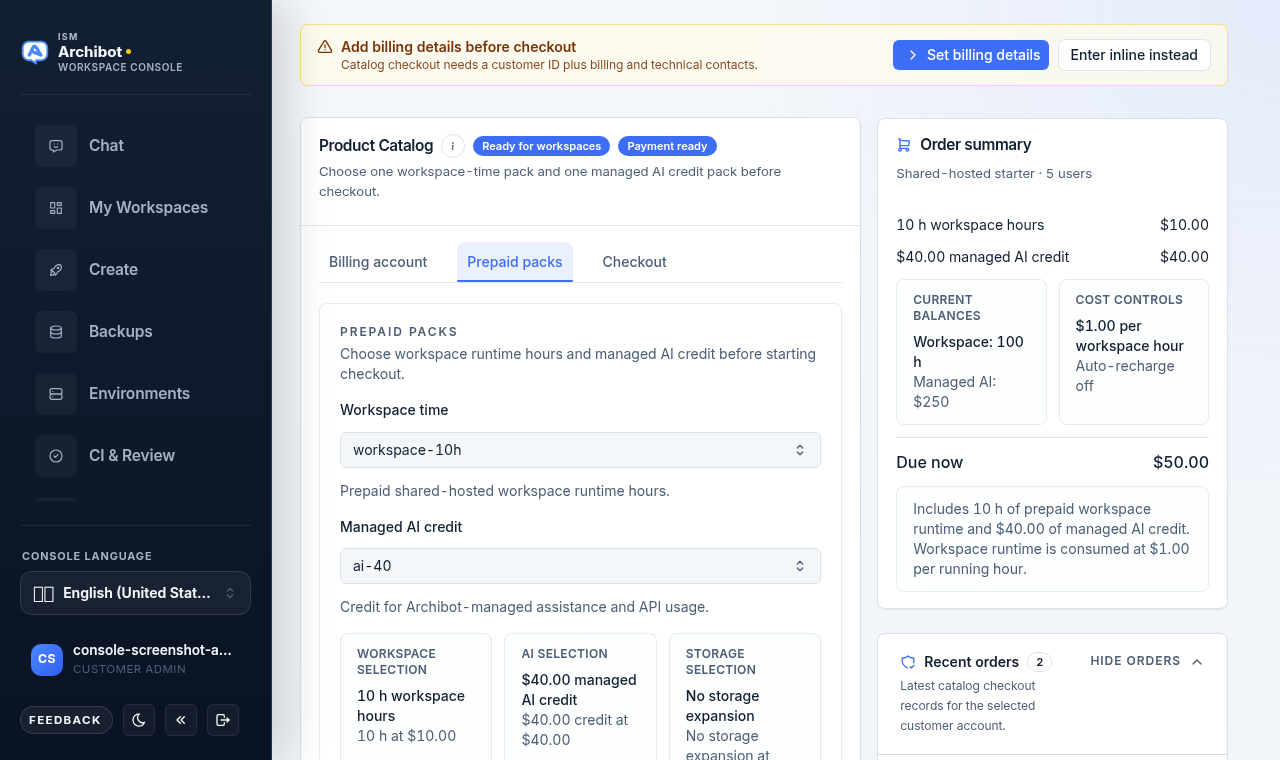
- Select a Workspace time pack from the dropdown. Each option shows the included hours and the pack price.
- Select a Managed AI credit pack. Each option shows the credit amount and the pack price.
- If your account offers it, select a Shared Drive storage pack. The default is no storage expansion; see Workspace ArchiBot and Shared Drive for what that storage is used for.
- Confirm the three summary cards (Workspace selection, AI selection, Storage selection) match what you intend to buy.
If your account uses always-on persistent environments, this tab also shows their hourly pricing with a shortcut to create one. Pricing details for those live in Persistent environments and CI Review.
Set optional controls and accept terms
Open the Checkout tab to set optional controls and accept legal terms.
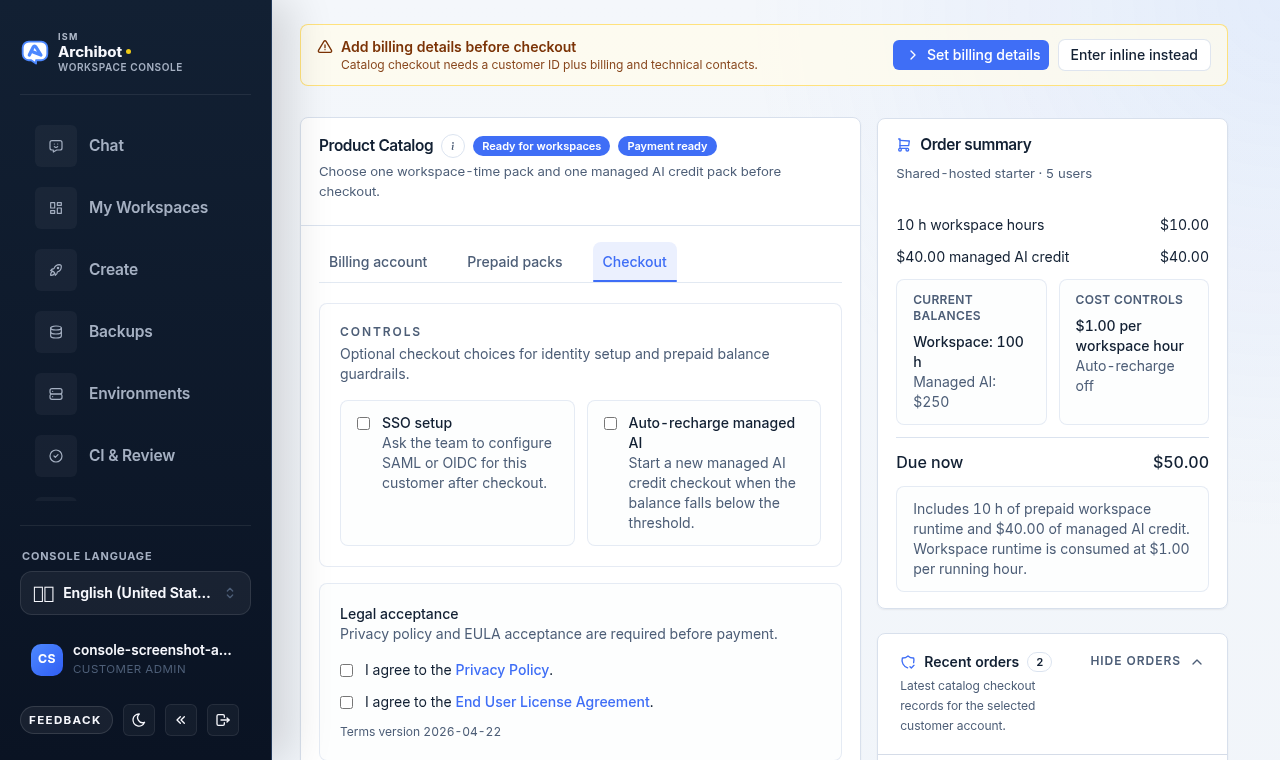
- Optionally tick SSO setup to ask the team to configure SAML or OIDC for this customer after checkout. See Customer admin setup for the SSO request flow.
- Optionally tick Auto-recharge managed AI to start a new managed AI checkout automatically when the balance falls below a threshold.
- Tick I agree to the Privacy policy and I agree to the End User License Agreement. Both are required. The current terms version is shown under the checkboxes.
- Review the Due now amount, then choose Continue to payment.
The Continue to payment button stays disabled until a workspace pack, a managed AI pack, a customer ID, a billing email, and both legal acceptances are in place.
Auto-recharge details
When you tick auto-recharge, two more fields appear: a Recharge pack (which managed AI pack to re-buy) and a Recharge threshold (the dollar balance that should trigger the next checkout, with preset buttons for common amounts).
Saving an auto-recharge preference records your intent. Do not assume saved details will be charged automatically until ISM confirms auto-recharge is active for your account. Until then, treat a low balance as an action item for a customer admin. The Cost controls card in the order summary shows whether auto-recharge is currently on or off.
Switch to monthly invoice billing
Larger accounts can move off per-checkout payment onto monthly invoices. On the Billing account tab, the Billing status block shows the current billing state, usage tier, payment rail, and any monthly cap.
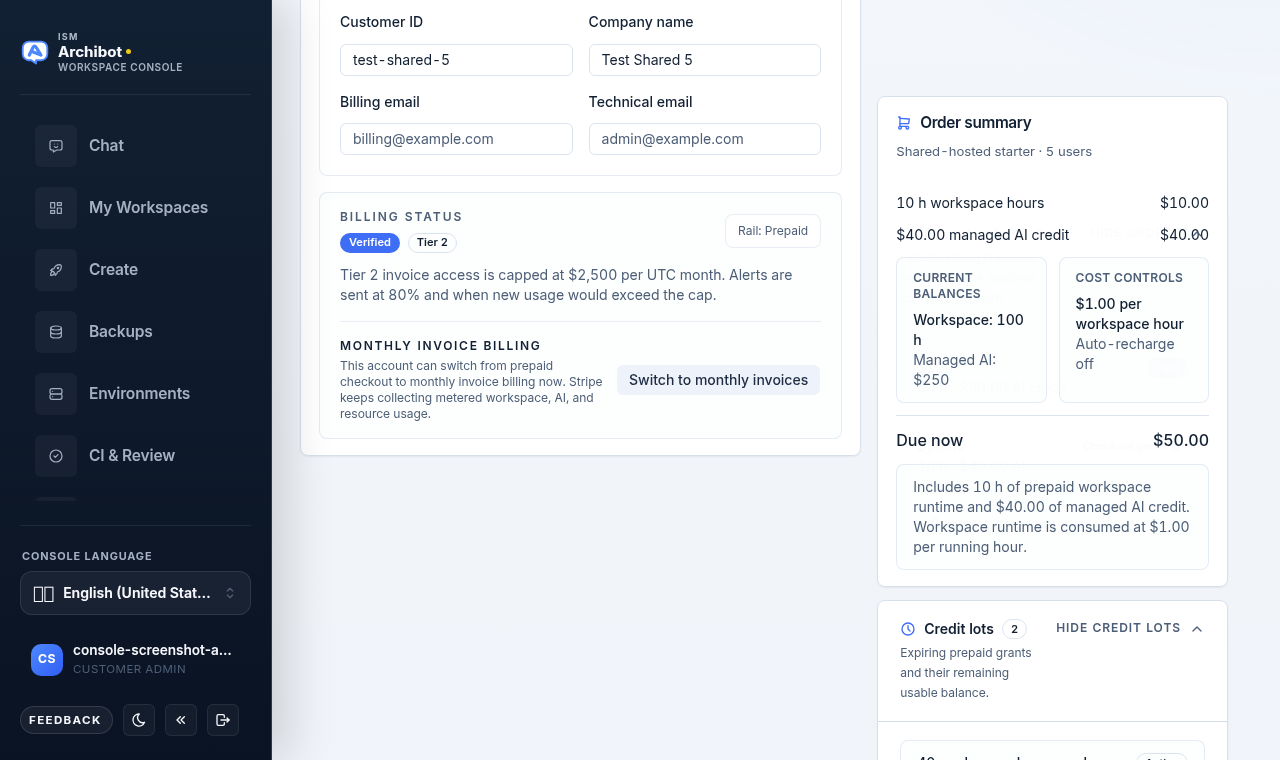
The Monthly invoice billing row shows one of:
- A Switch to monthly invoices button when the account is eligible (billing is verified or trial-approved and the usage tier qualifies).
- A locked message when billing is ready but the tier does not yet qualify.
- A billing-gate message when billing is not verified yet.
- An Invoice billing active badge once the account already bills by invoice.
Platform operators can enable invoice billing for accounts that have not reached the tier threshold on their own. After the switch, the payment rail line updates and the monthly cap (if any) is shown in the billing description.
Track orders, credit lots, and activity
The right sidebar carries a running Order summary plus expandable panels. Each panel shows a count badge and a show/hide toggle.
Order summary
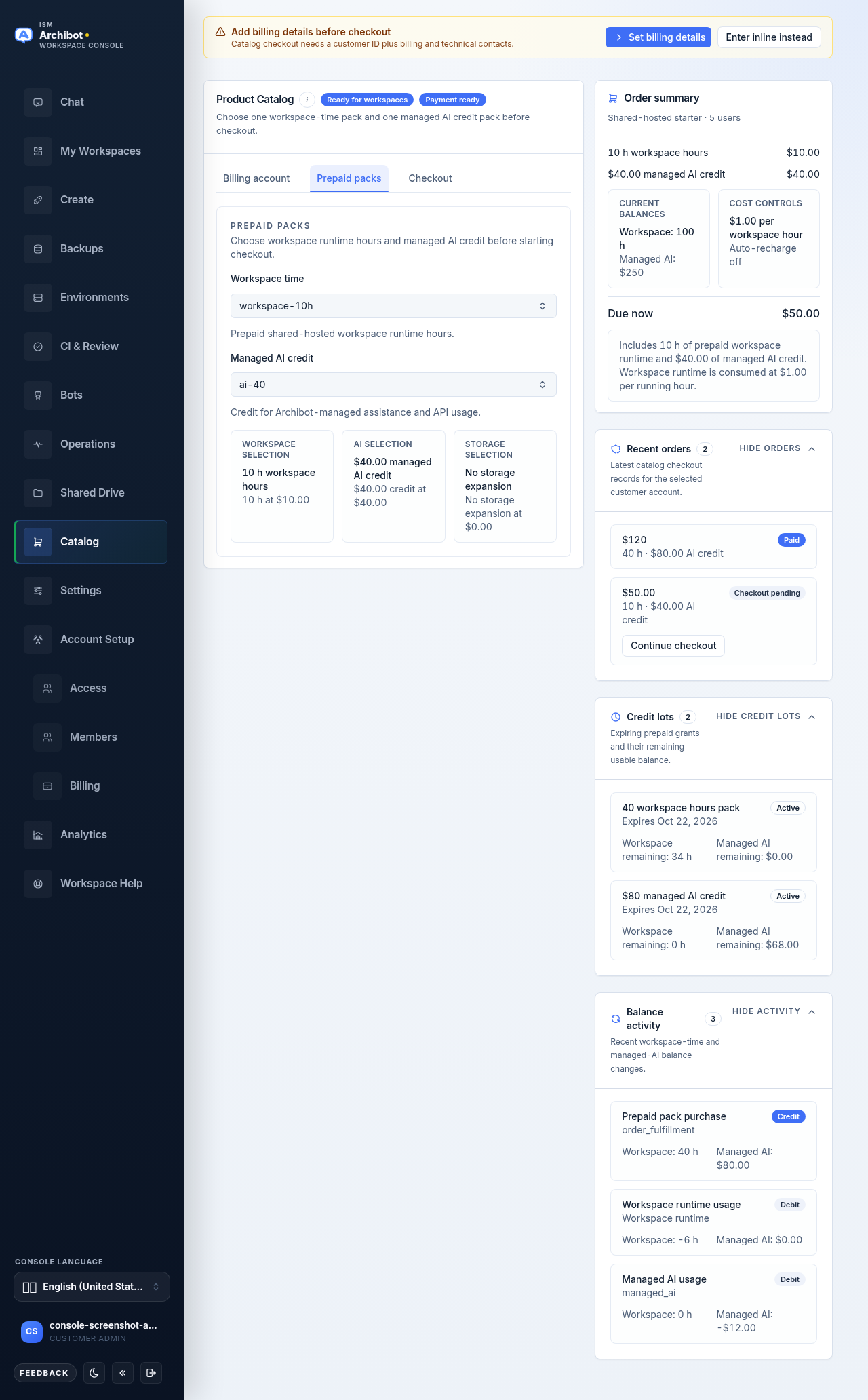
The Order summary card lists the selected workspace pack, managed AI pack, and storage pack with prices, any bulk-commitment discount, the current balances, the cost controls, and the Due now total. After a successful checkout that needs payment, a Secure checkout pending banner with a Continue to payment button appears near the top of the page.
Recent orders
Open Recent orders to see the latest checkout records for the selected account, each with a total, the included hours and AI credit, and a status badge (for example, paid, pending checkout, or checkout started). Orders still awaiting payment show a Continue checkout button.
Credit lots
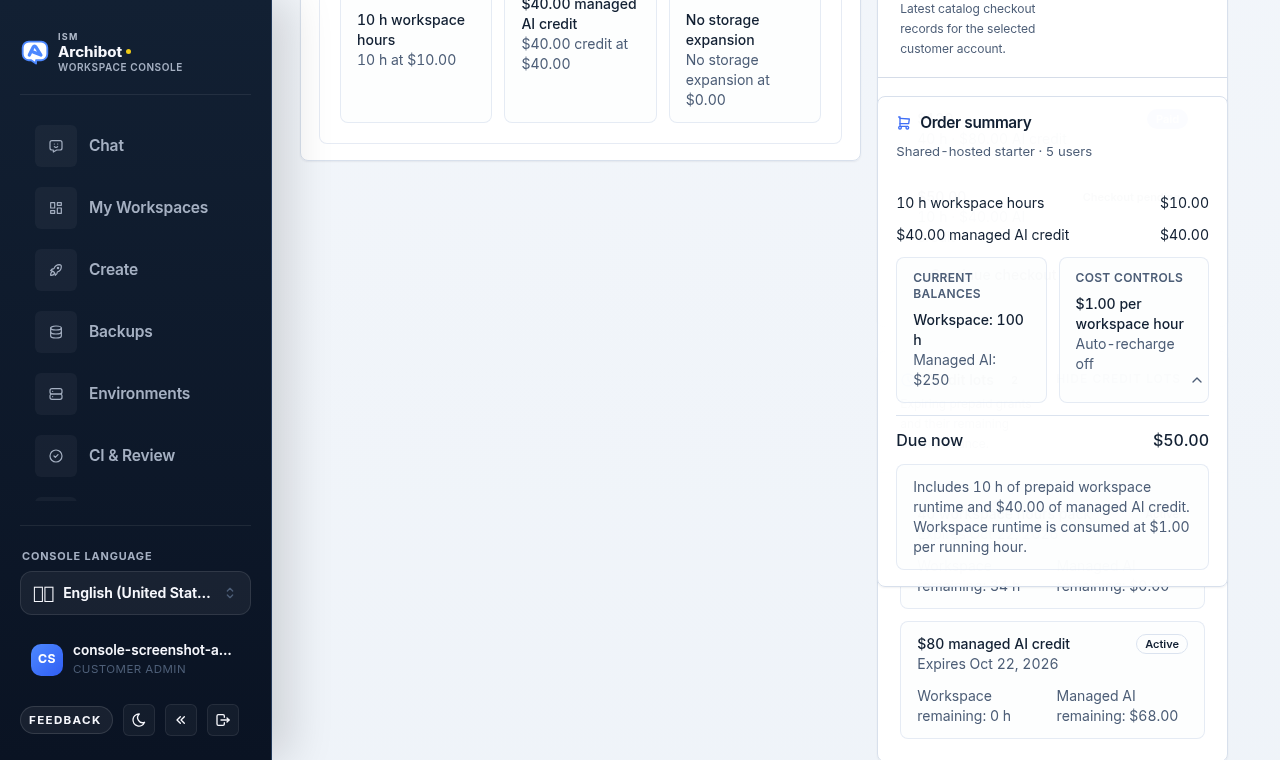
Open Credit lots to see prepaid grants, their expiry dates, and the workspace hours and managed AI credit remaining in each lot. Lots are marked Active or Expired.
Balance activity
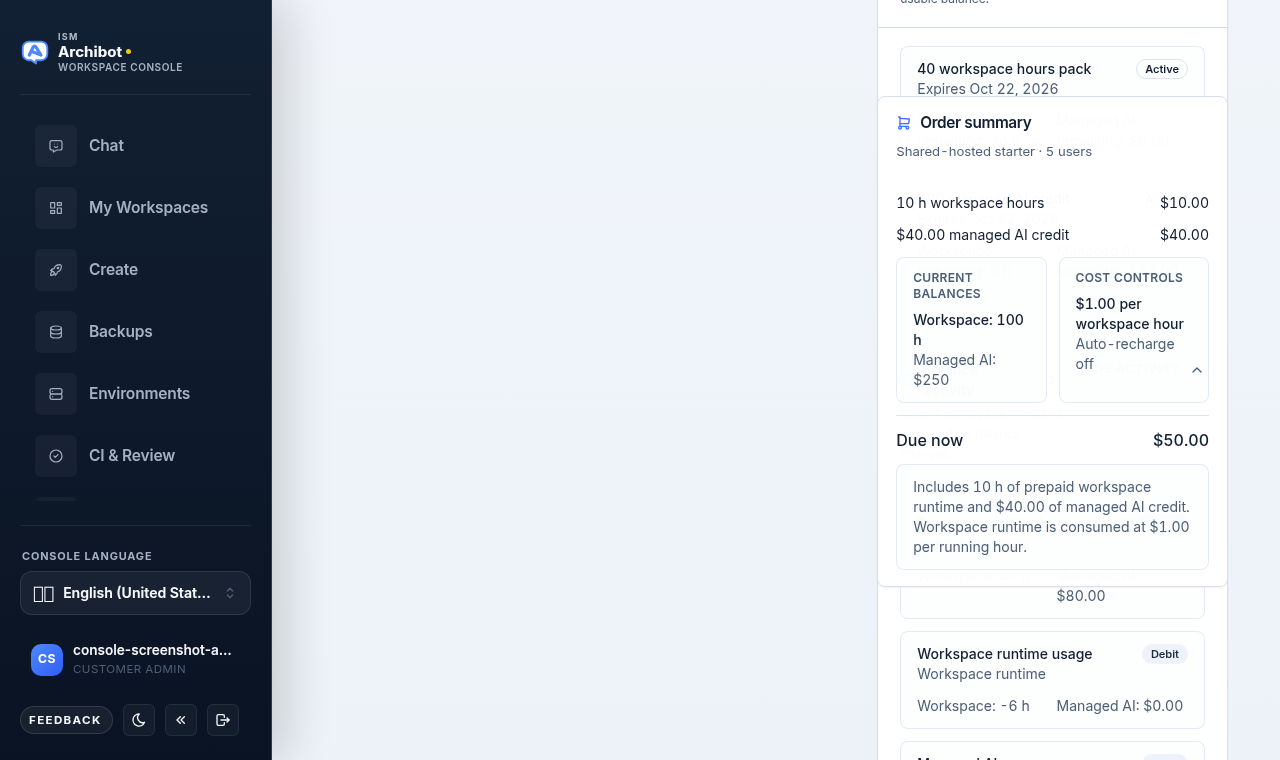
Open Balance activity to read recent credits and debits against workspace time and managed AI credit. Each row shows a source (such as a catalog order or workspace runtime usage), a credit or debit badge, and the workspace-hour and managed AI deltas.
Do not paste prompts, transcripts, provider payloads, raw payment data, or credentials into balance notes or support tickets. See Usage and billing for how runtime and managed AI usage drains these balances over time.
Operator: Stripe catalog alignment
Platform operators see an extra Stripe catalog alignment panel in the sidebar. It compares the catalog products Console expects against the prices configured in Stripe and reports how many are matched, missing, mismatched, unchecked, or deferred.
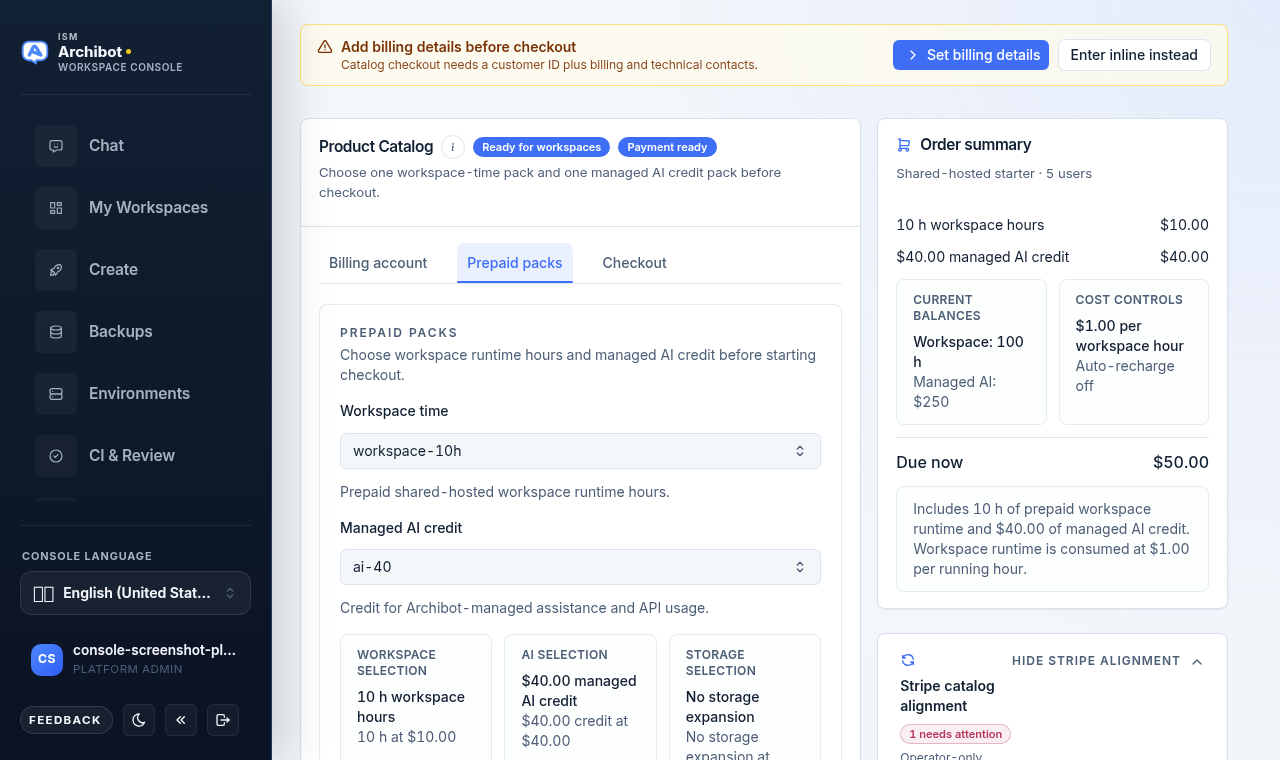
Use Refresh to re-run the check. Items needing attention list their lookup key, the differing fields, and any deferral approval reference. This panel is read-only review for operators; it does not change customer-facing prices on its own. Customer admins do not see it.
If Create is still blocked
If Catalog shows Ready for workspaces but Create the first workspace still blocks, open Create, read the exact blocker, and send support both visible states plus the approximate time you checked. Use example or REDACTED values in place of any real account identifiers.
Done When
- Billing details (customer ID, billing email, technical email) are complete.
- The readiness badge shows Ready for workspaces.
- A workspace-time pack and a managed AI credit pack are selected.
- Privacy policy and EULA are accepted before checkout.
- Checkout completed, or an order is pending payment or invoice review.